Check in
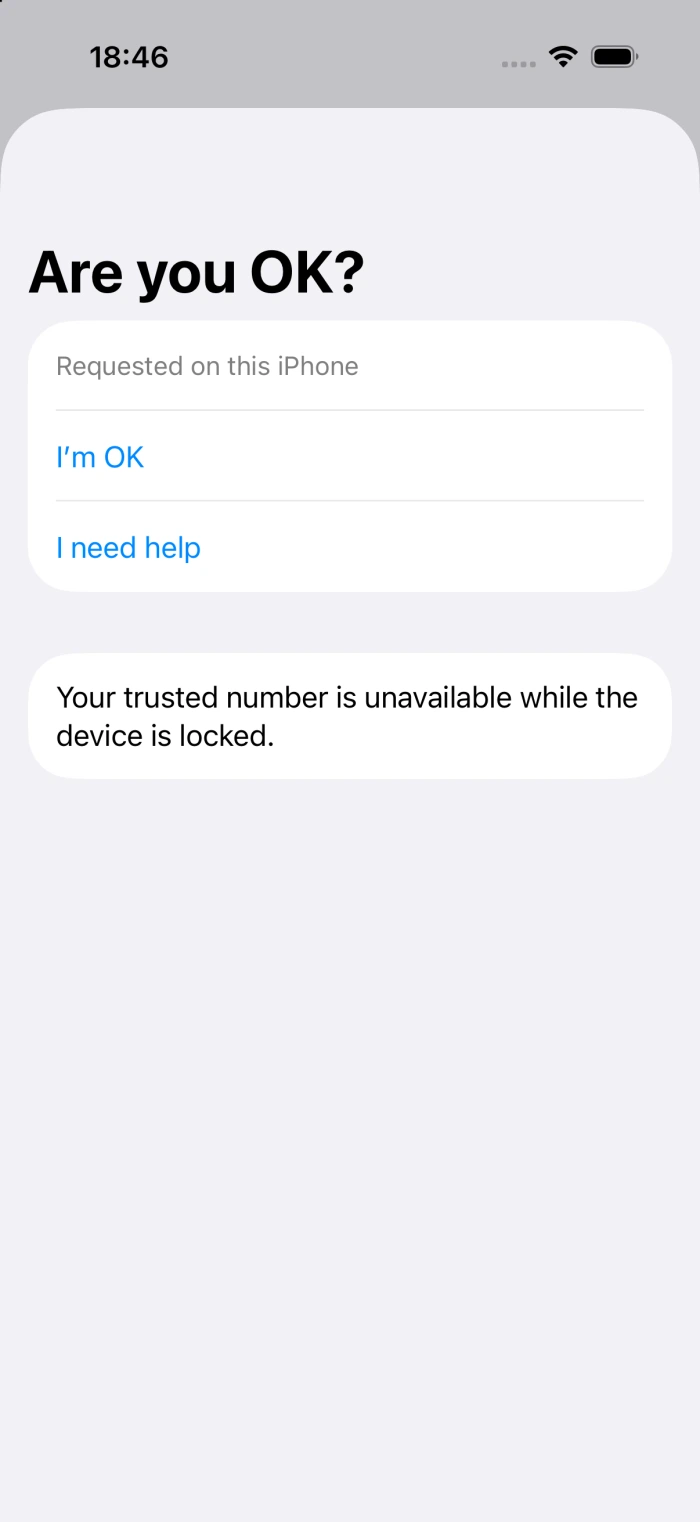
Choose I need a safety check. The app asks “Are you OK?” Choose I’m OK to finish, or I need help to see your options. Opening the check-in alone places no call.
See the check-in screenIGOTU · iPhone beta
Check in when something feels wrong, look more closely at a suspicious message, or keep a private account of what happened.
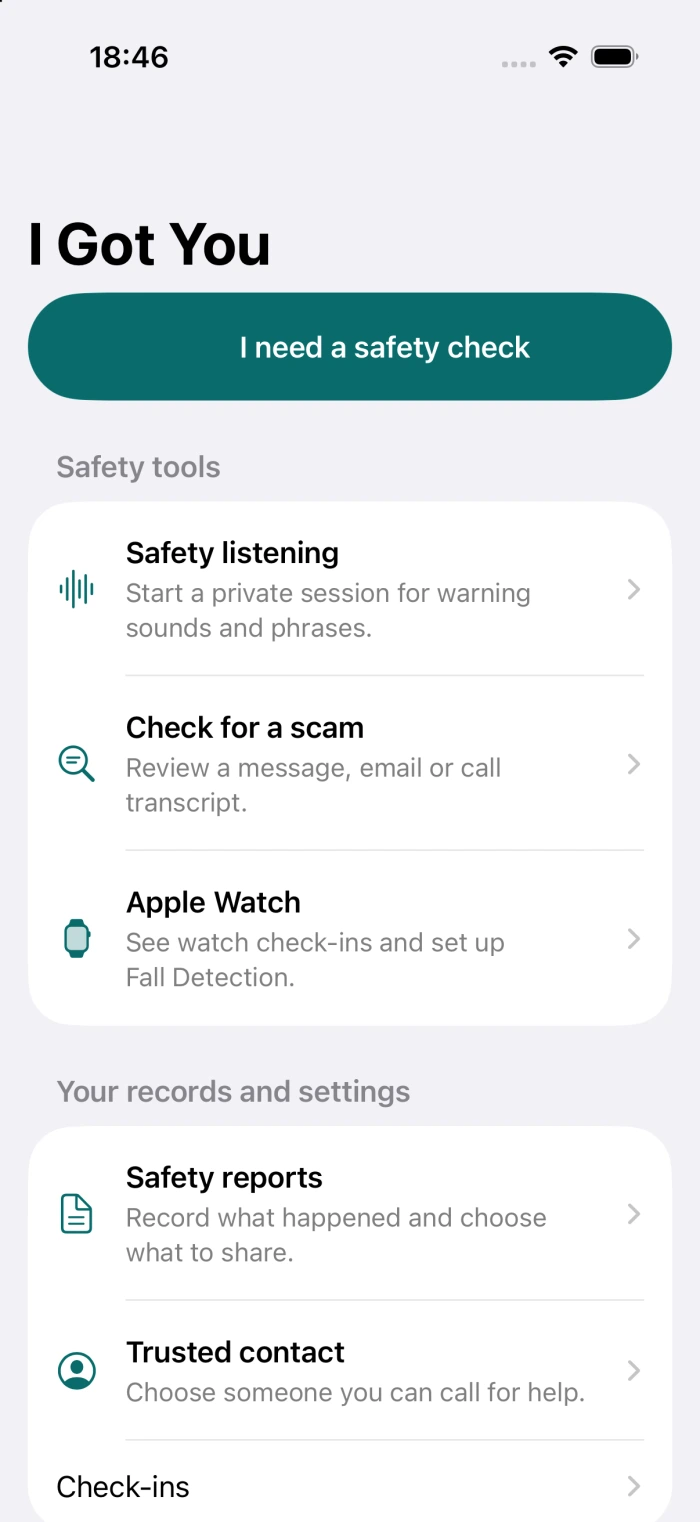
Choose I need a safety check. The app asks “Are you OK?” Choose I’m OK to finish, or I need help to see your options. Opening the check-in alone places no call.
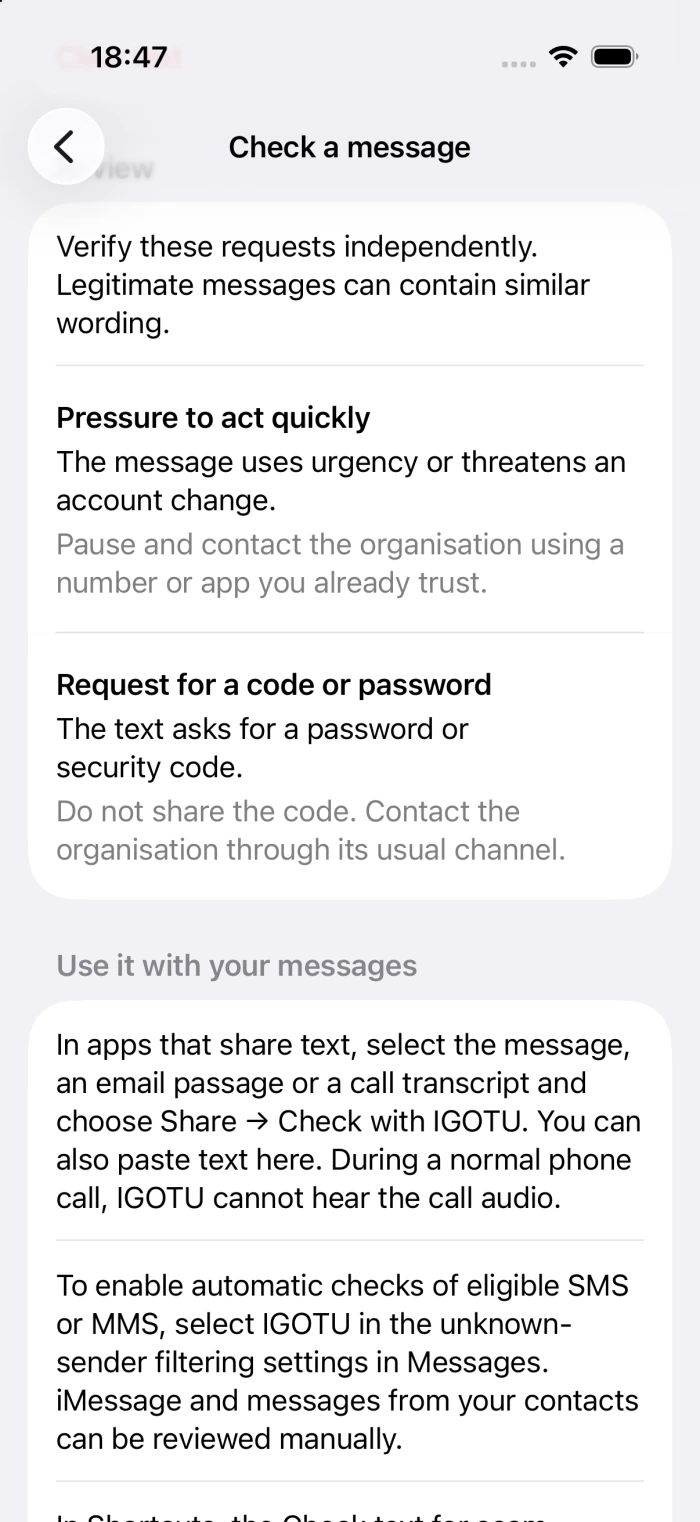
See the check-in screenChoose Check for a scam and review selected text. In the simulator, a message asking for a verification code immediately raised flags for both urgency and the code request. You can inspect each signal and make your own decision.
See the sample resultIn Safety reports, record what happened. A saved report stays on the device when you close the app. Review and share shows the outgoing text so you can cancel or choose how to share it.
This is a guide to IGOTU 1.0, build 2. A development build exists for registered devices. A public TestFlight link is not available here.
The build includes an Apple Watch companion. Watch haptics, paired delivery and live microphone behaviour still need checks on real devices.
Back to the project directory