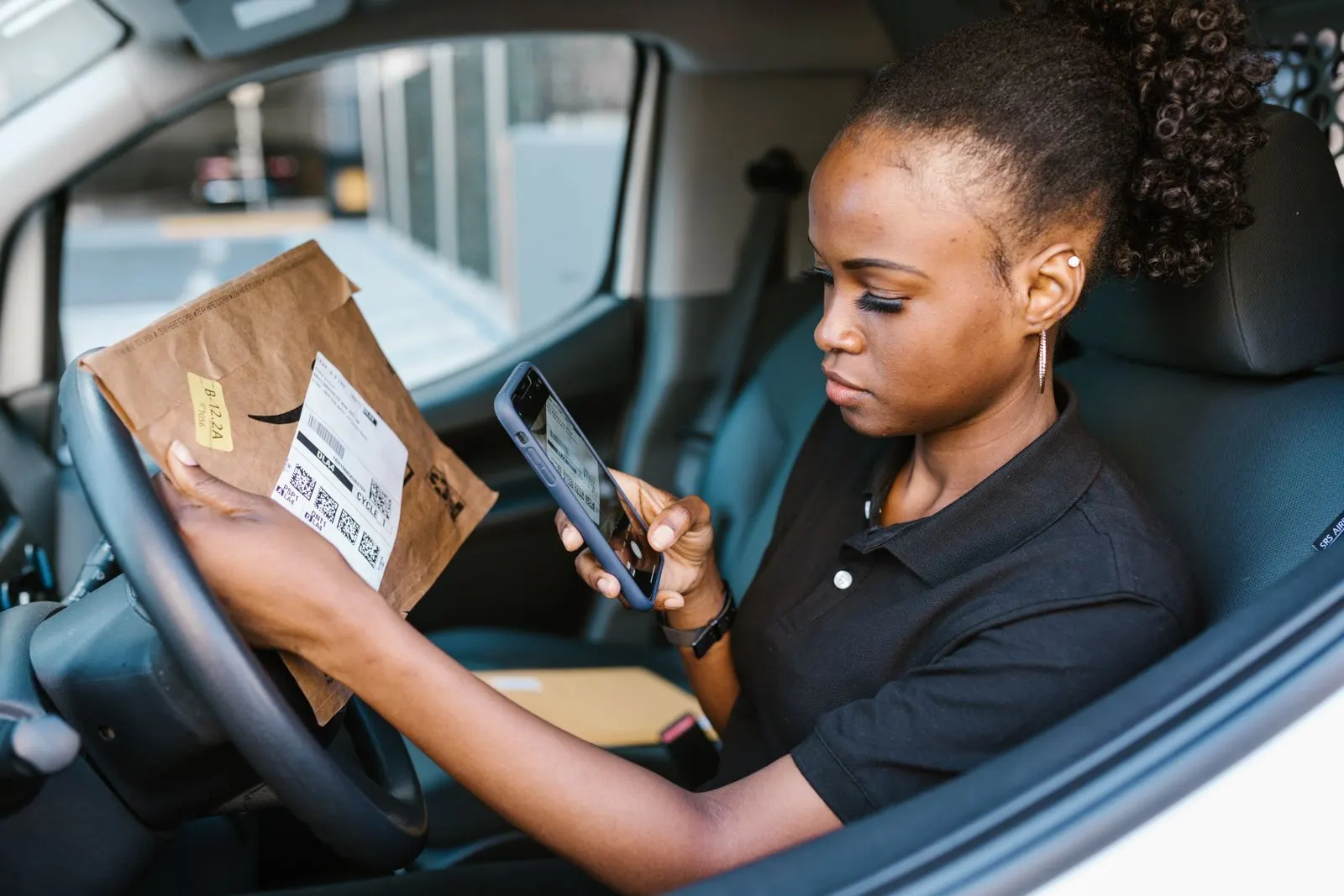
DELIVA platform
Help with the preview
Use this guide to explore the DELIVA booking and tracking demos. Have a made-up route and moving date to hand if you want to try the quote steps.
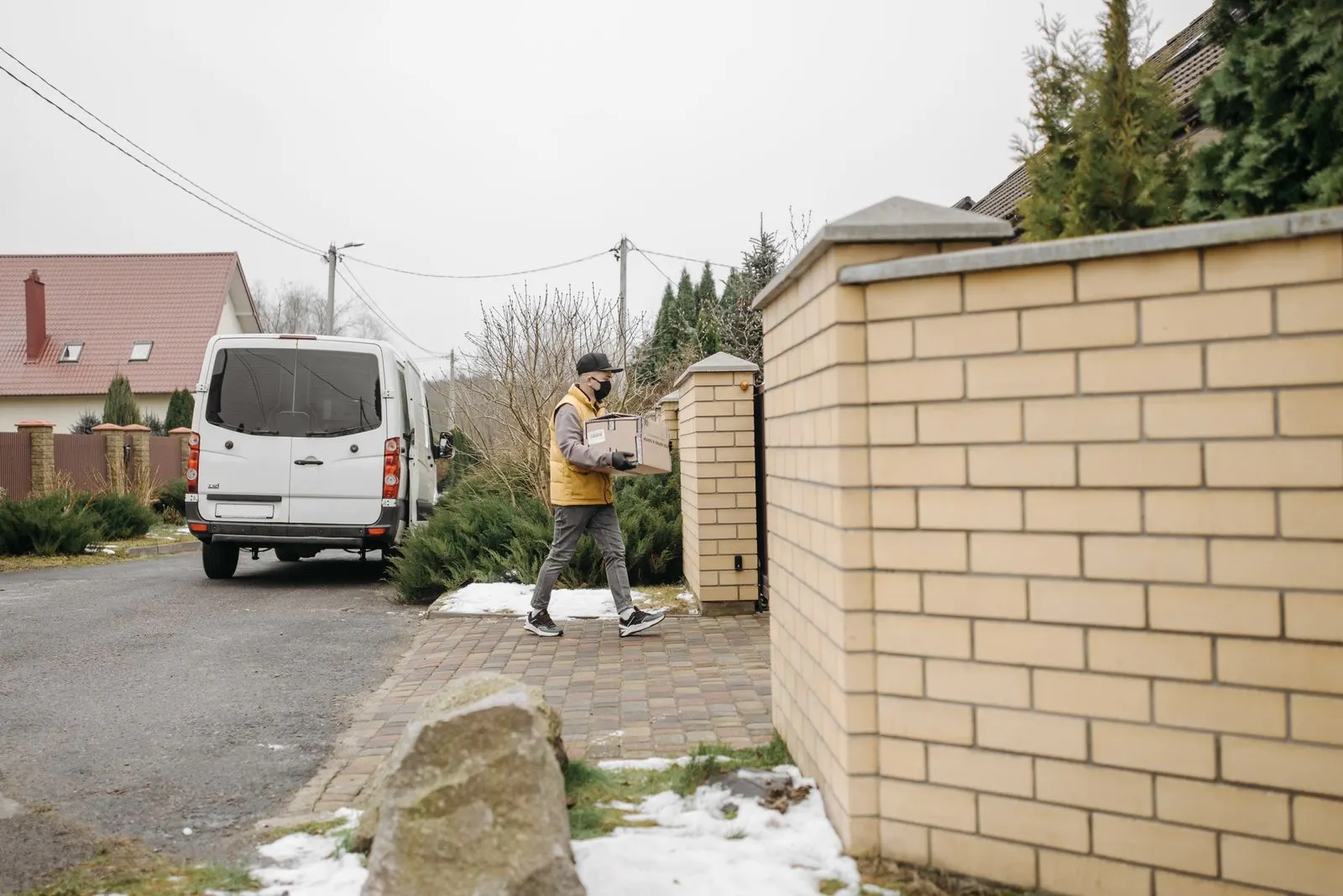
Try a sample booking
Open the booking demo and follow the prompts. Review the sample estimate and summary to see how the finished journey could work. Nothing in the preview reserves a van.
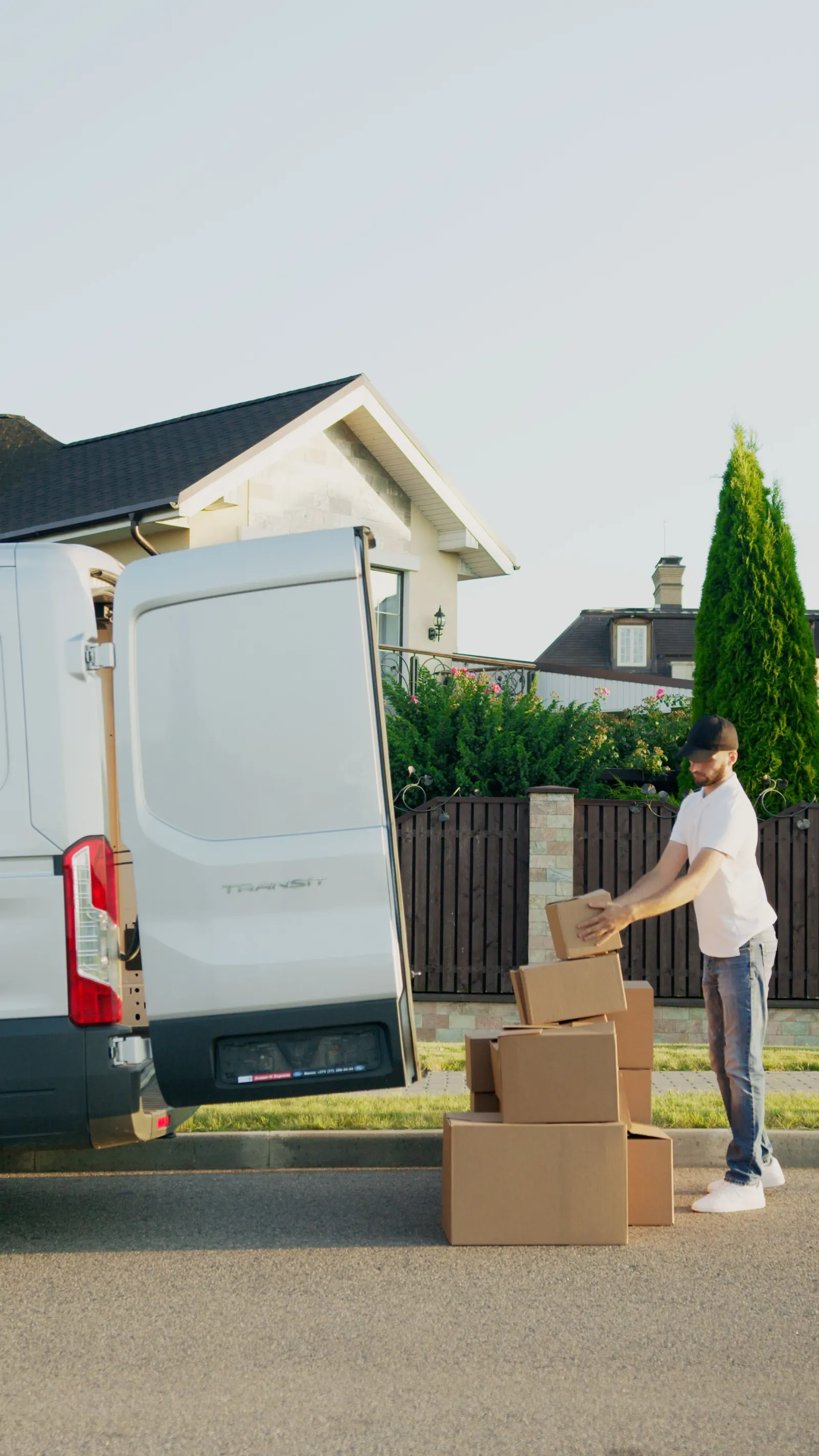
Try a sample tracking journey
Open the tracking demo to follow a made-up job through its status changes. The displayed times and progress belong to the demonstration.

If a step does not look right
Check whether a required field needs a sample value, then try the step again. When sharing review feedback, include the page and the step you reached, with a screenshot using sample details.
Your questions
Can I track a real booking here?
The preview shows sample bookings and tracking states only. Use the channel on your own booking confirmation for help with a real move.
Should I enter my email or exact address?
Use invented information for the demonstration and leave out personal contact details, payment information and real addresses.